
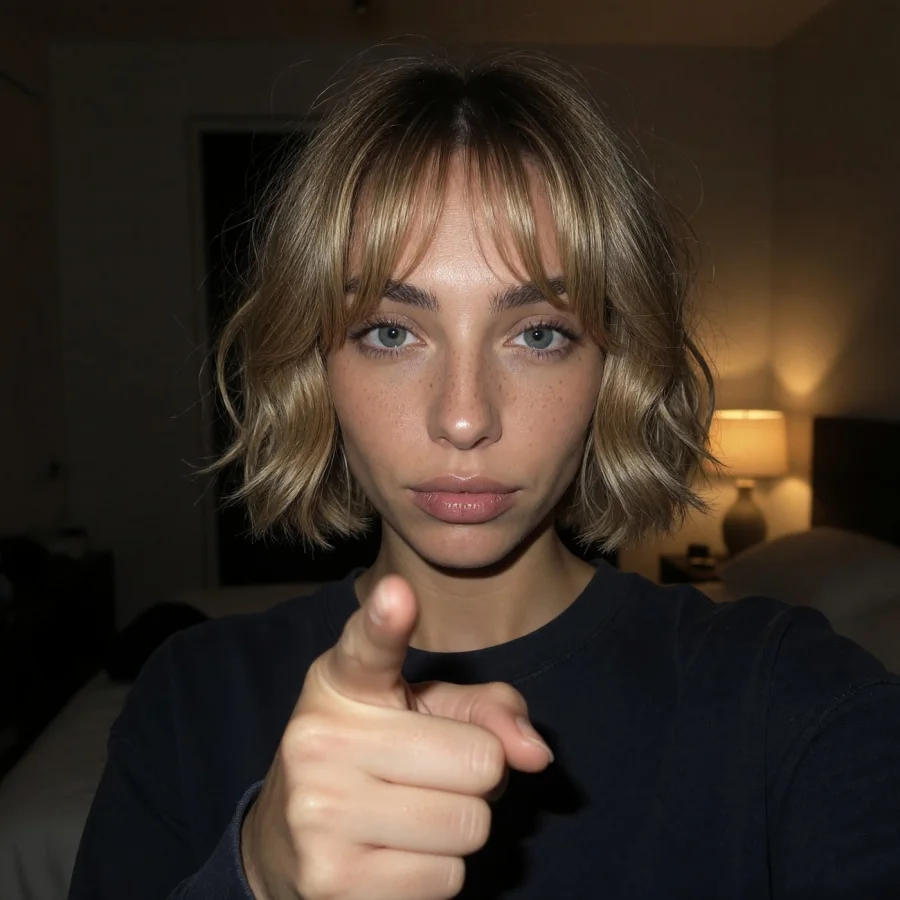
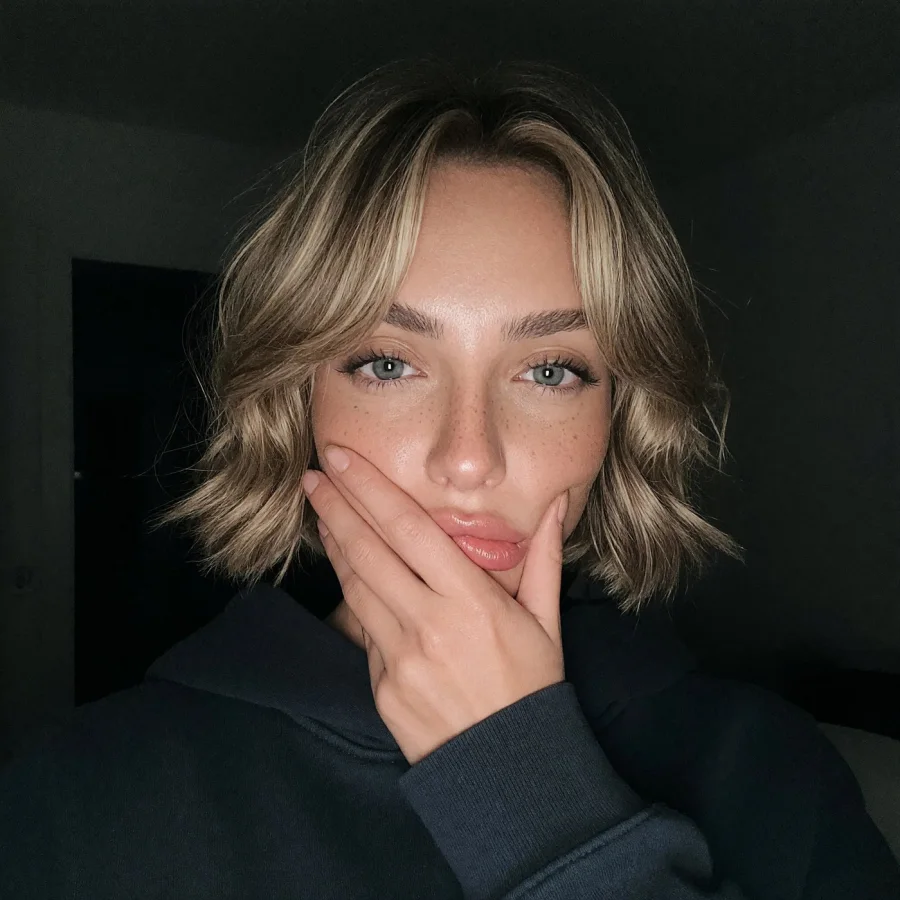
A month of content.
In her likeness.
Train each Creator’s own model from her references, then make images, video and carousels in batches.
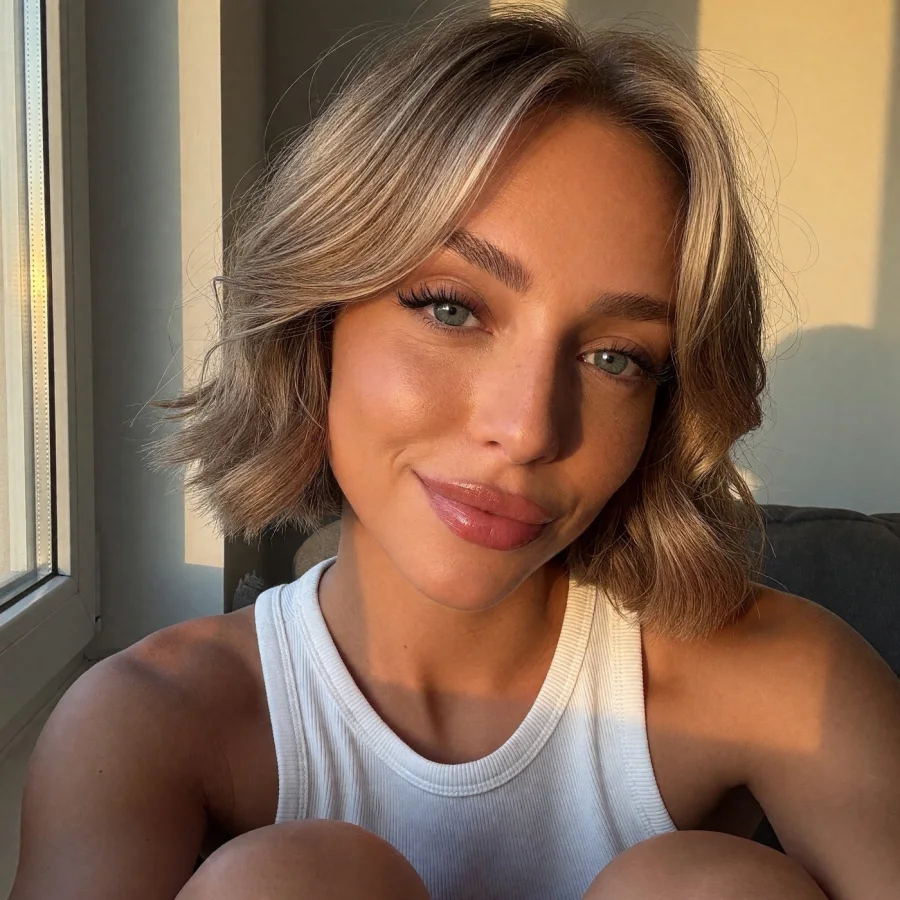

One studio
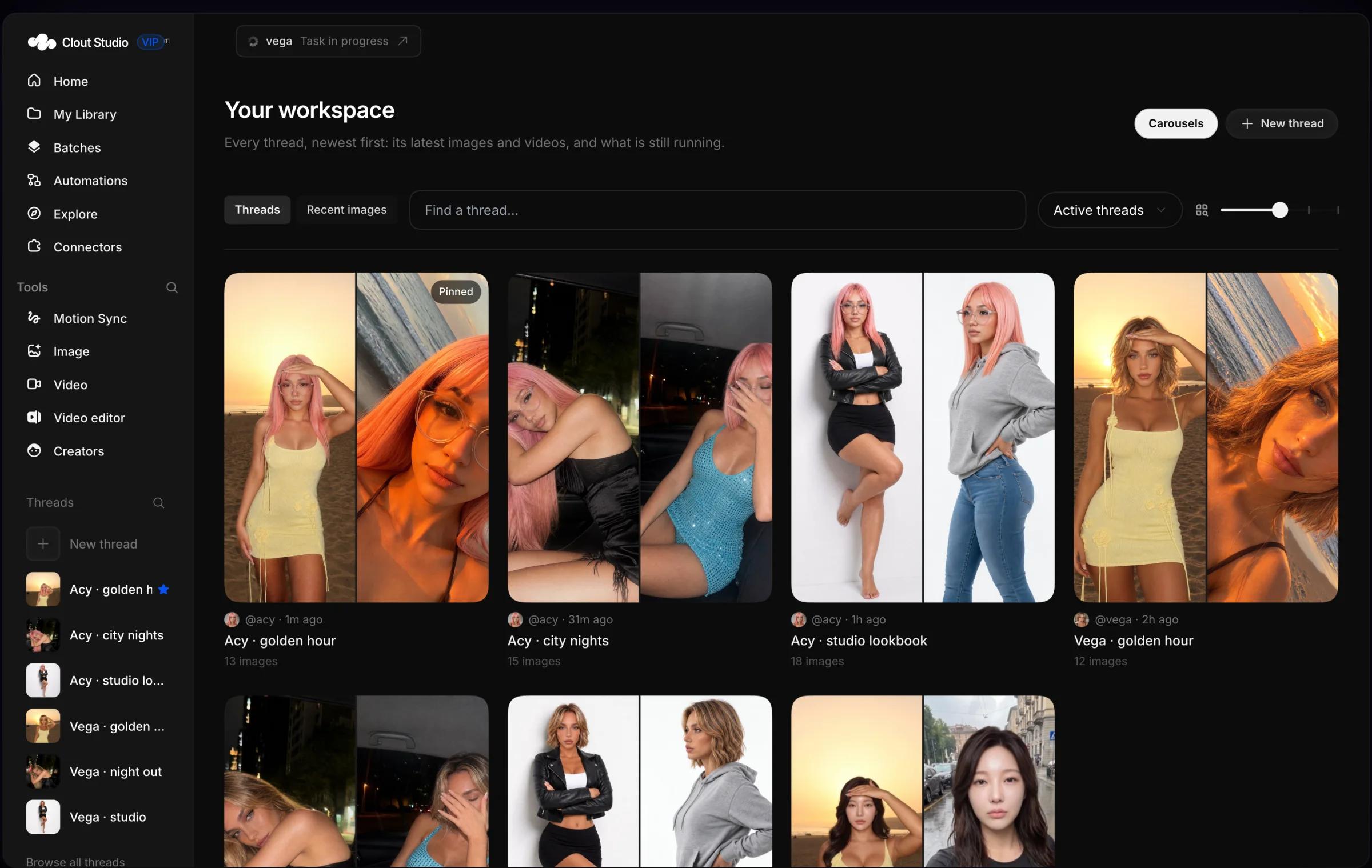
Every Creator. One studio.
Tag any of your Creators in one composer and make her photos, videos and carousels, each from her own trained model.
- Tag a Creator with @ and describe the shot
- Images, video and carousels from one place
- Credits shown before anything renders
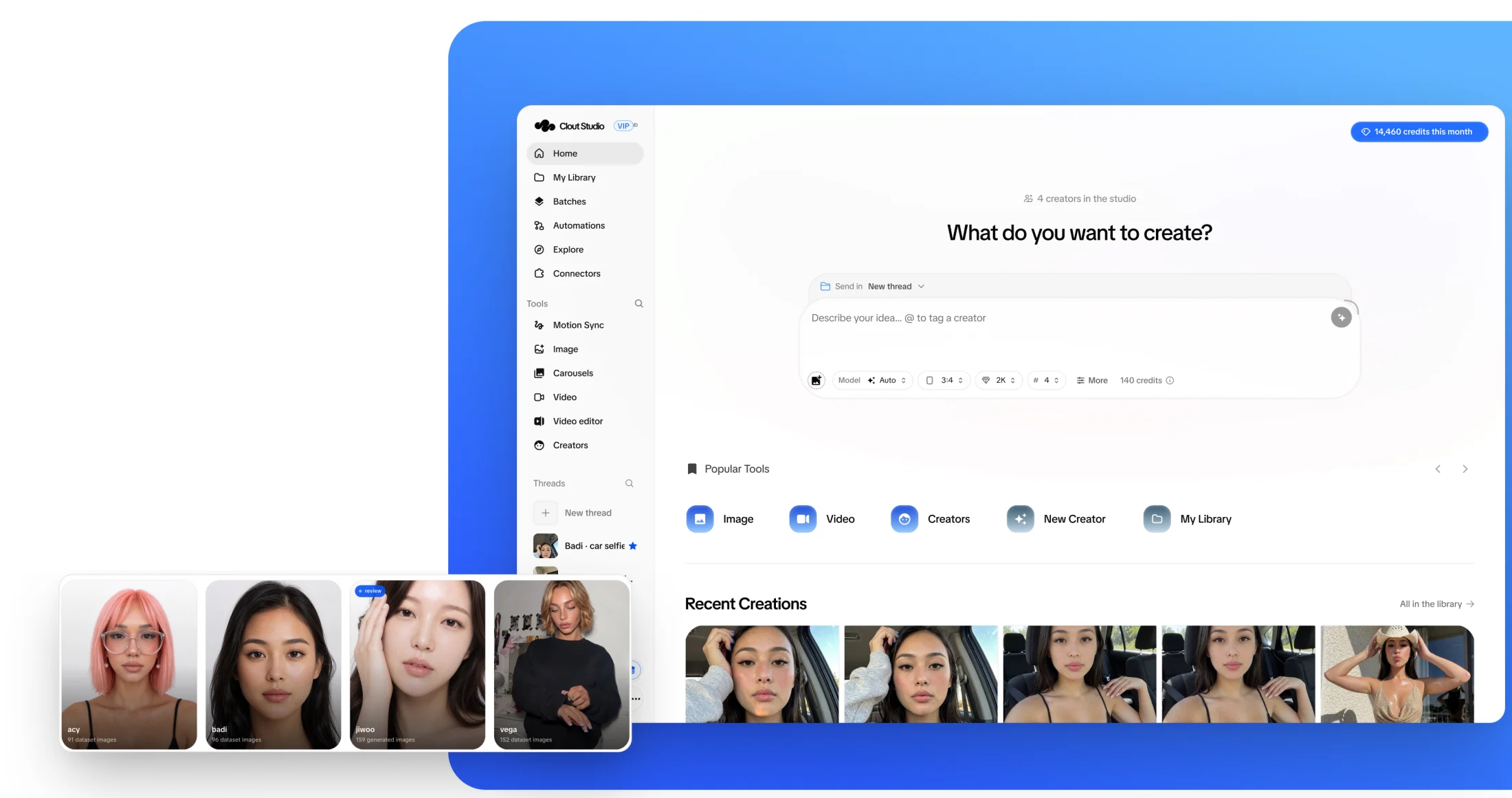
Her own model
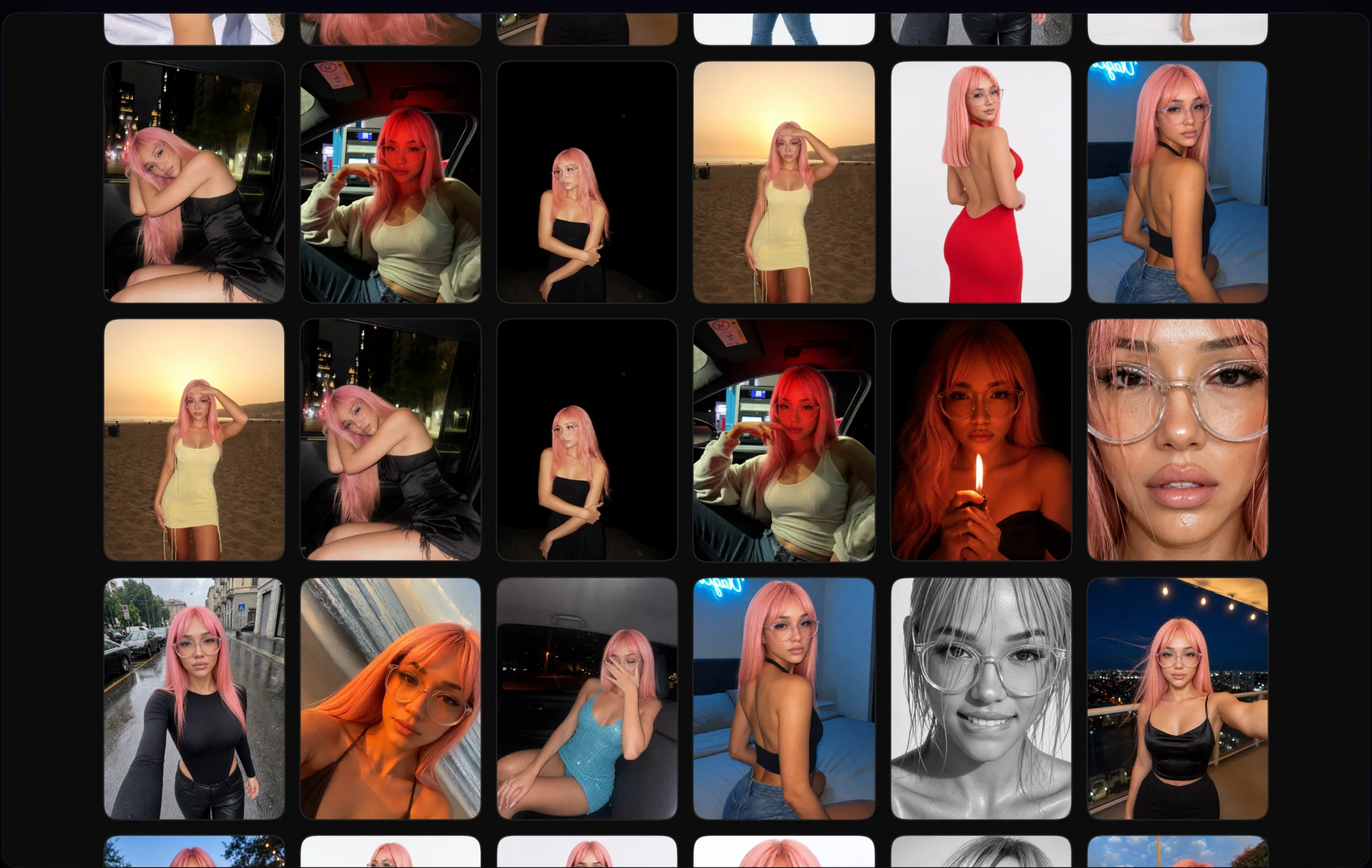
Her look, in every picture.
Add her face and body. The studio writes her look, builds her references and renders a set of 100 in different scenes to train her own model on Mirage v0.
- Face and body references
- A set of 100 renders to train on
- Versions you can publish and roll back
Batches
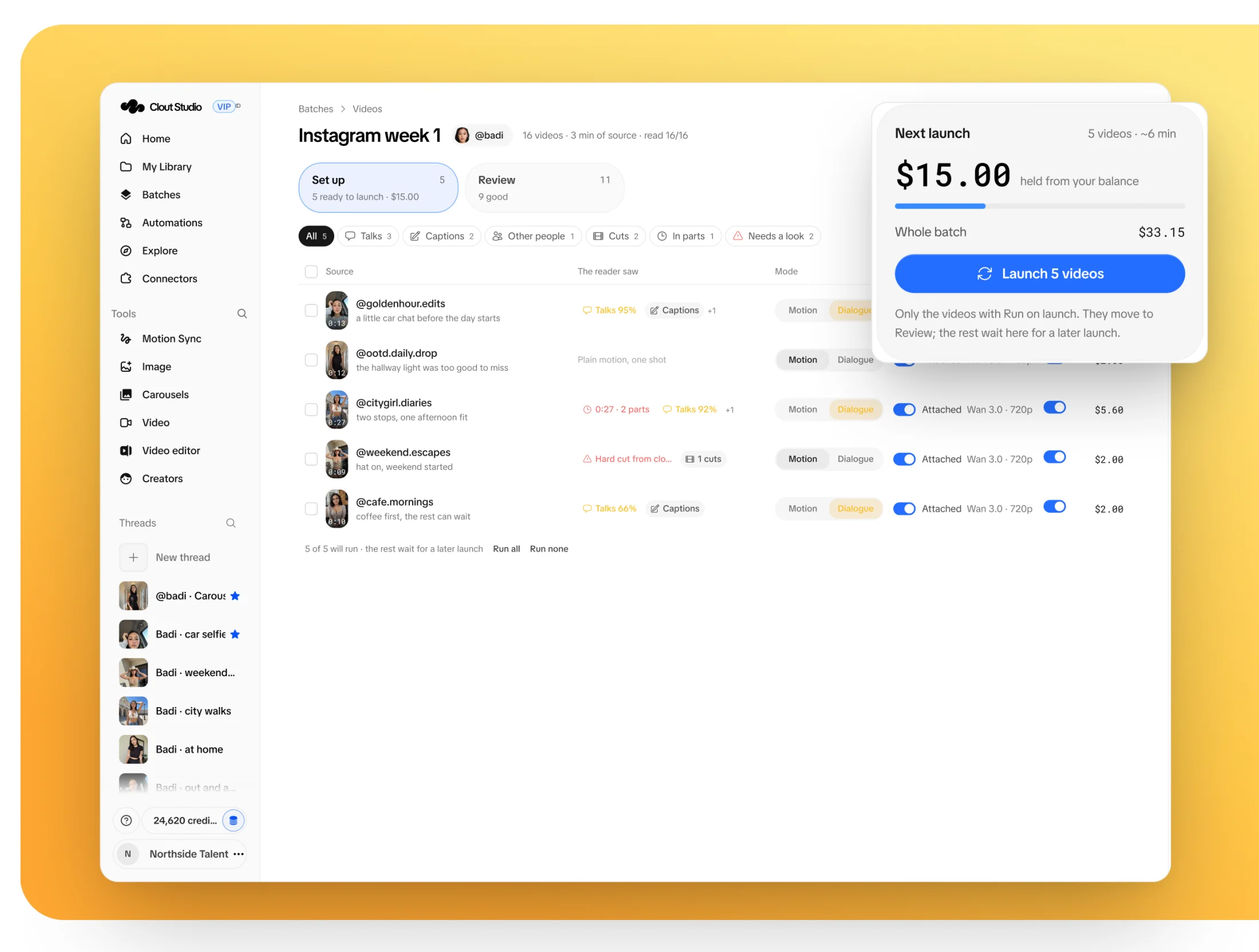
A week of videos. One launch.
Paste links or add posts from Explore. The reader marks who talks, captions and cuts, every row gets her settings, and it launches in waves.
- Paste links, or pick posts from Explore
- The reader marks talking, captions and cuts
- Launch some now, the rest in the next wave
Review
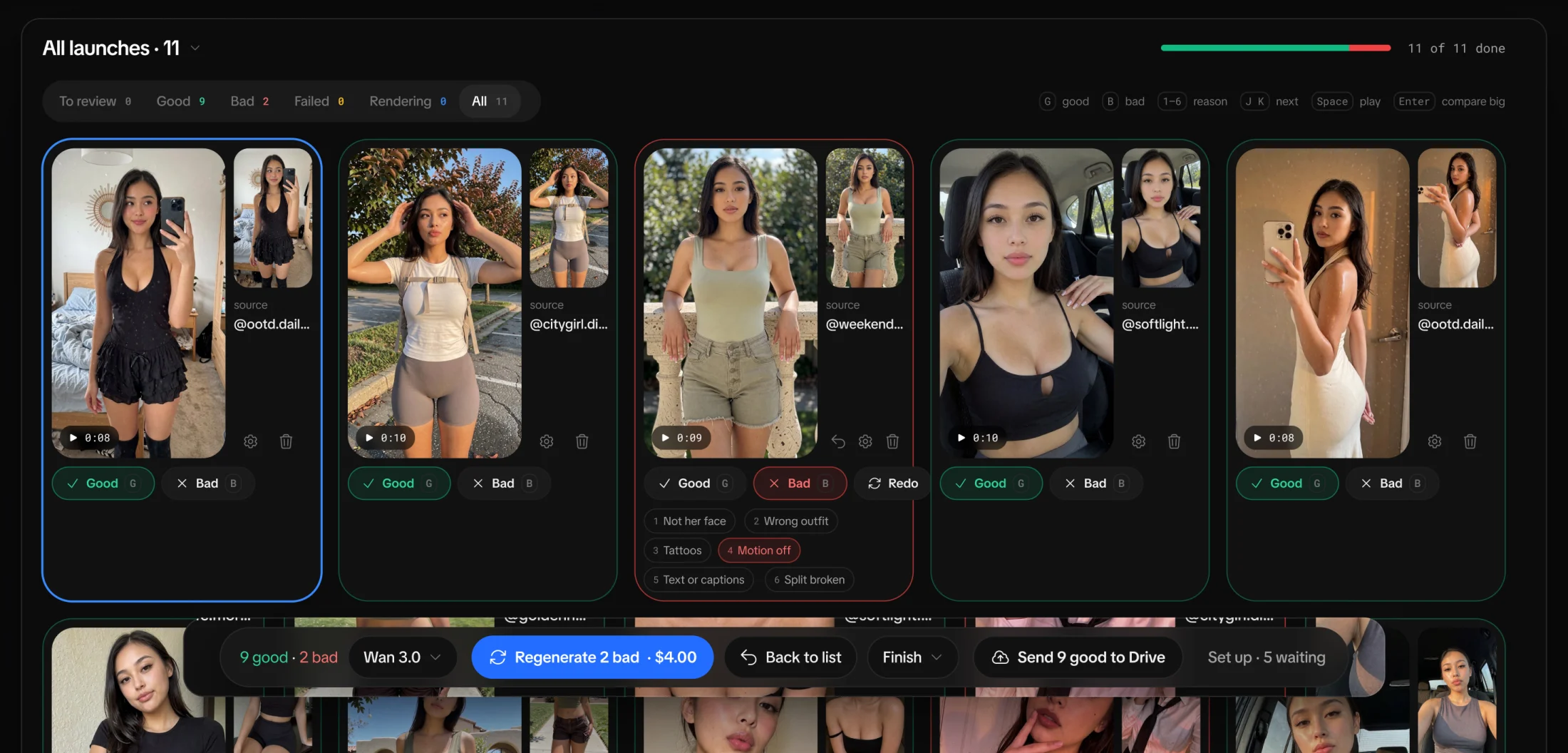
Keep the good ones. Redo the rest.
Every video lands next to its source. Mark it good or bad with one key, send the bad ones back, and the good ones go to Drive.
- Her version beside the source
- Good or bad with one key, with a reason
- Regenerate the bad, send the good to Drive
Carousel studio
Any carousel, slide by slide.
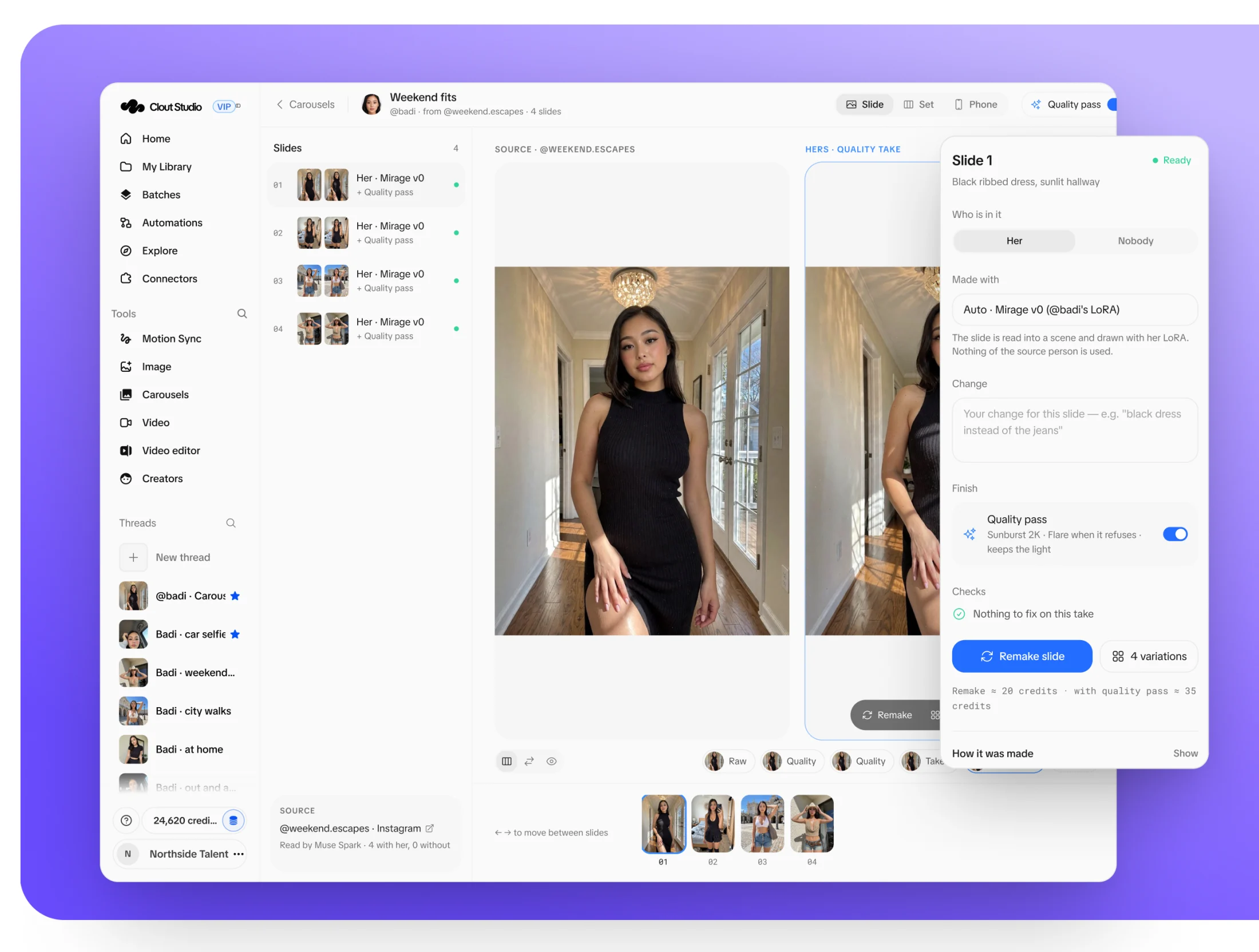
Clone a carousel that works: each slide is read into a scene and drawn with her own model. Pick the best take, add a quality pass, export.
- Each slide read into a scene
- Four variations and a quality pass per slide
- Her version next to the source
Library
Every keeper. Straight to Drive.
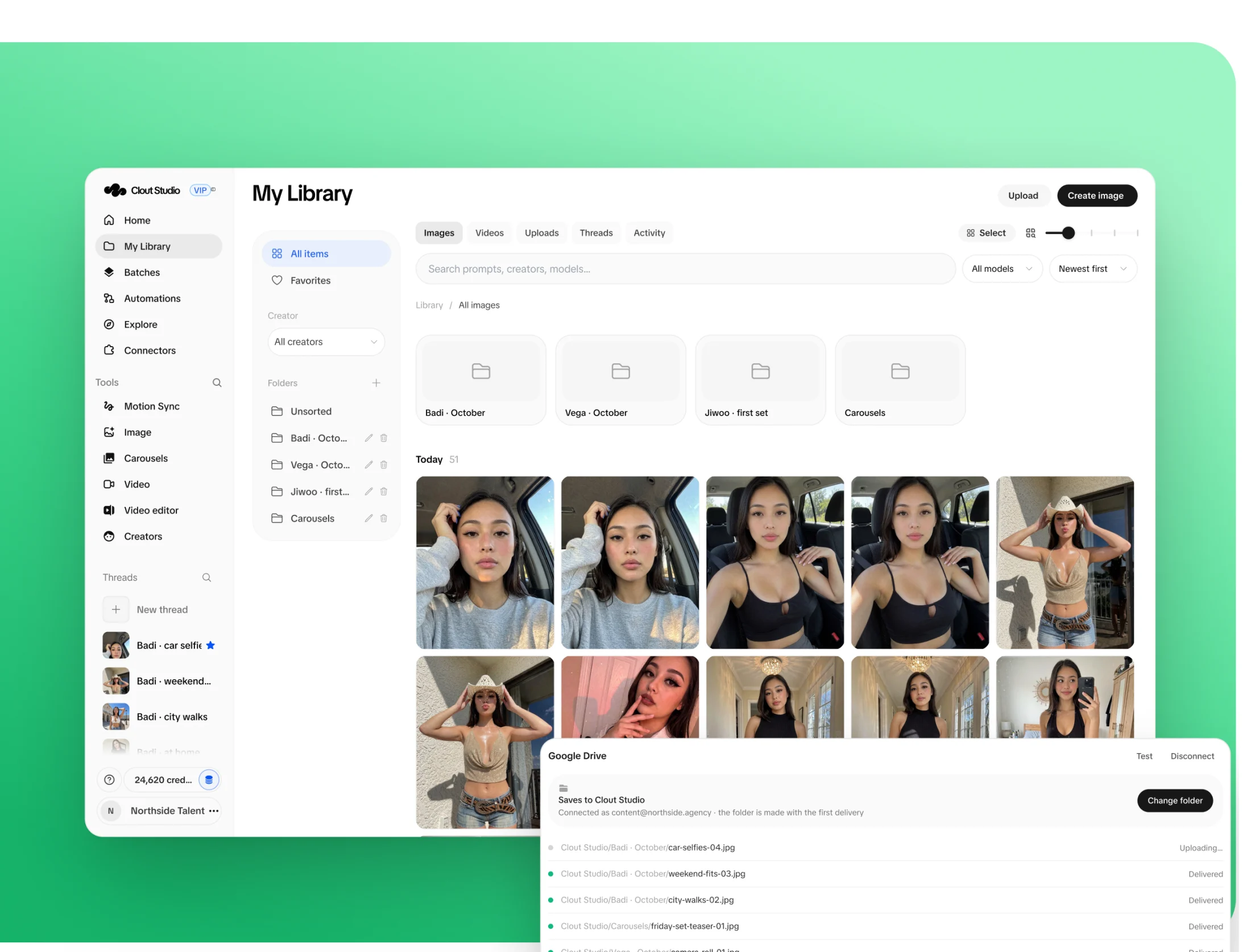
Every render of every Creator in one library, in folders and searchable by prompt. Finished files land in Google Drive on their own.
- Folders per Creator and per set
- Search every prompt
- Delivery to Google Drive
Video editor
Captions, in one click.
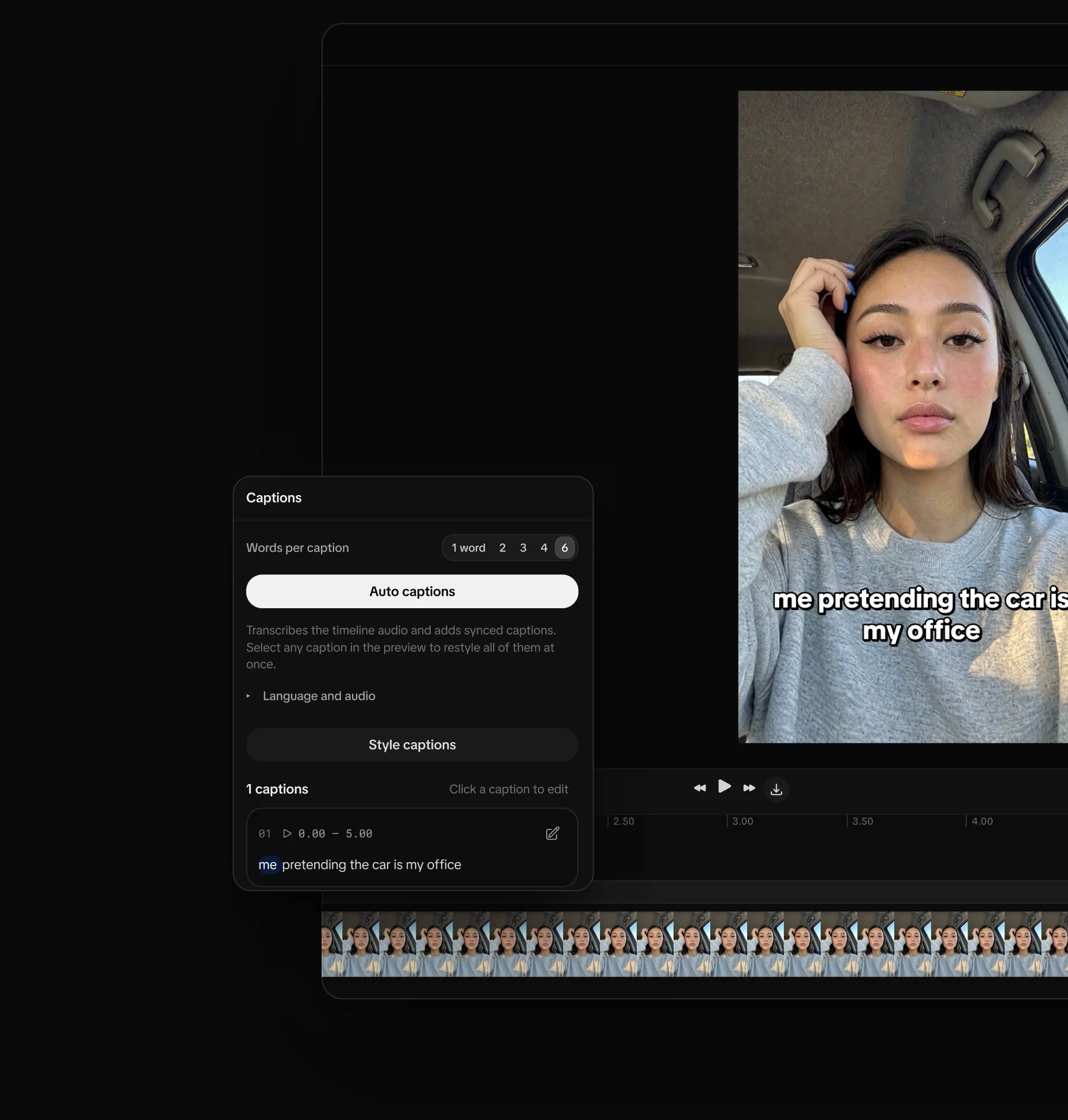
Auto captions transcribe the clip and time every word. Choose how many words show at once, restyle them all, export.
- Words timed to the audio
- One to six words on screen
- Restyle every caption at once
Explore
Find what works. Queue it for her.
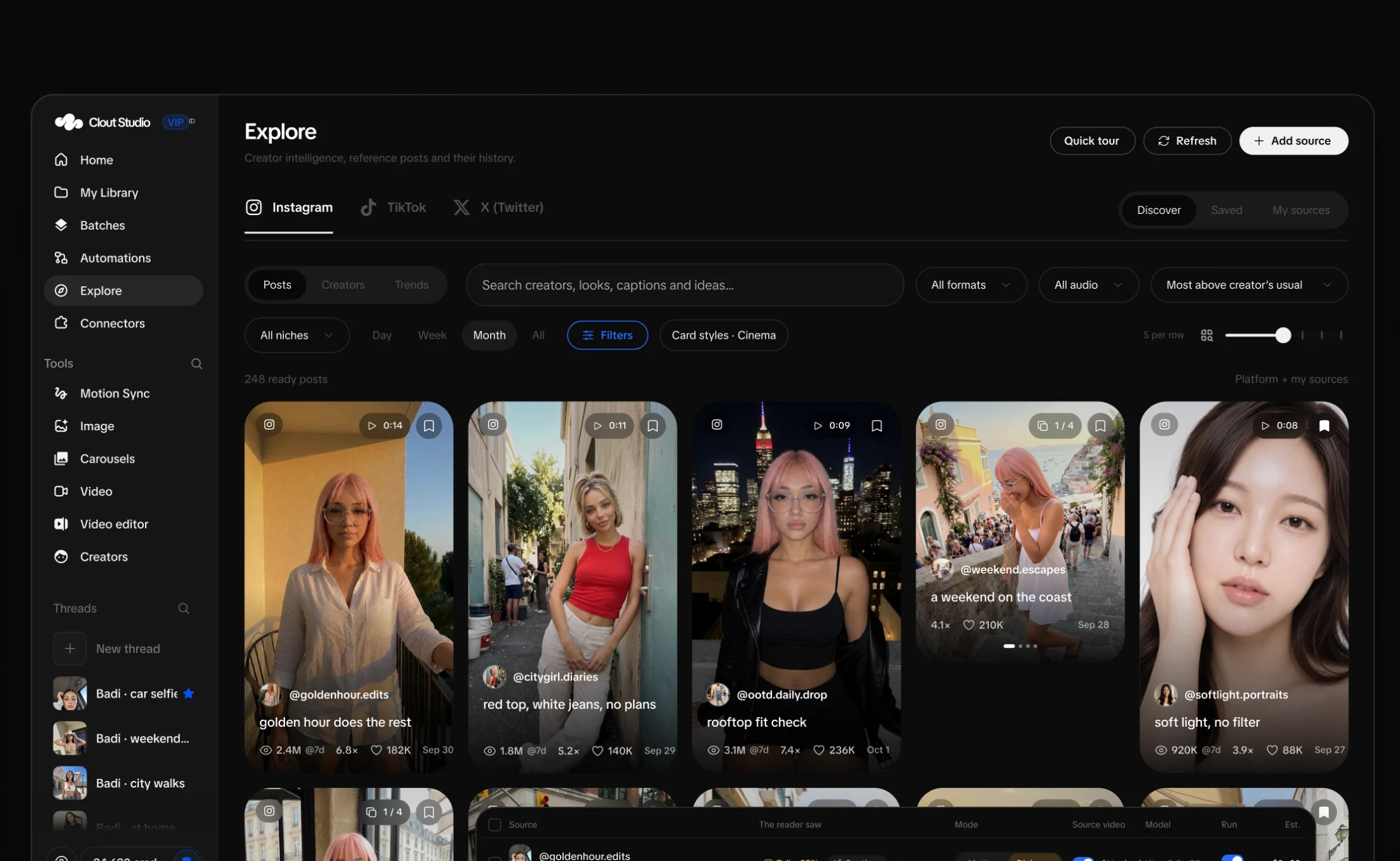
Explore ranks posts by how far they beat the Creator’s usual. Add the best to a batch and each one comes back as her video.
- Posts ranked against the Creator’s usual
- Filters by format, audio and niche
- Straight into a batch
Automations
A content team that never sleeps.
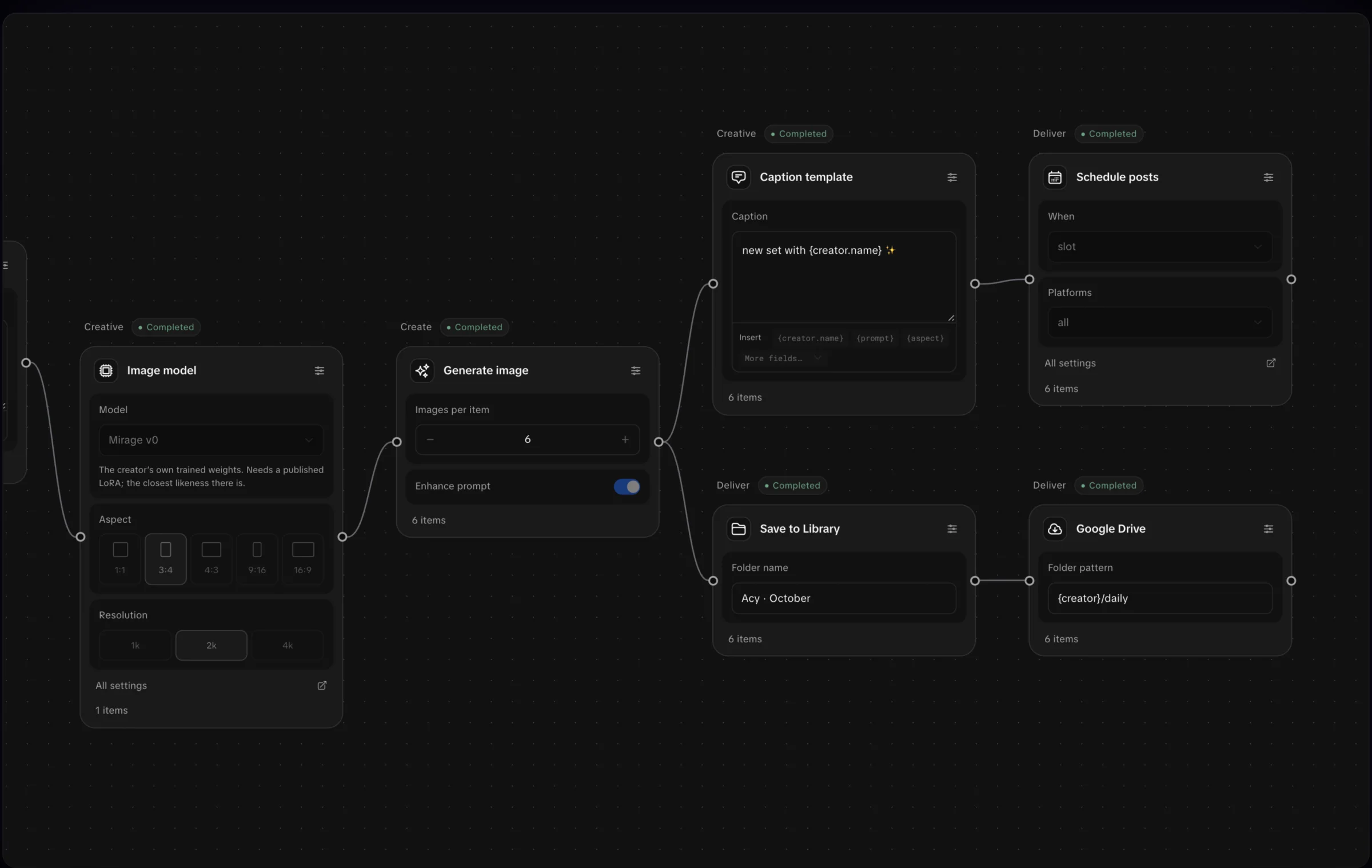
Her set every morning: a workflow picks the model, renders, writes the caption from a template, schedules the posts in her slots and saves every file to the library and Google Drive.
- Workflows on a canvas, on a schedule
- A posting calendar for every account
- Every file in your library and Drive
Everything else in the studio
Video and Motion Sync
Make video from a prompt, or recreate a reel from a link with her in it.
Threads
Every prompt and every take stays in her thread, so nothing gets lost between versions.
Posting accounts
Connect her accounts, assign them to Creators and fill their posting slots from the calendar.
Seats for your team
Invite your team and give each person a role: who creates and who only reviews.
Credits, not surprises
One credit is one cent of list value, shown before you render. Plan credits roll over a month.
API and MCP
An API for your own tools and a read-only MCP server for AI assistants.
Pricing
Invite only. Set up with the Clout team.
Studio VIP
Pricing on request.
Tell us how many Creators and accounts you run and we’ll size a plan around them, usually in one chat. Talk to us, we don’t bite.
No forms. Just a message.
- Her own model, trained on Mirage v0 from her references
- Every image model, video, Motion Sync and carousels
- Video batches with the reader, waves and review
- Explore, the library and delivery to Google Drive
- Automations, workflows and a posting calendar
- Seats and roles for your whole team
- Credits that roll over a month; packs that never expire
- The API and a read-only MCP server